Private pregnancy tracker: keeping your data on your phone
Pregnancy data is some of the most sensitive information about you, and independent reviews keep finding that most pregnancy and cycle apps share it with third parties. This guide is about how to check that yourself — before you install anything — and what "local-only" actually means once you look at how these apps are built.

The short version
- Privacy is an architecture question, not a policy question. Ask where the data physically lives.
- The App Store listing tells you a lot for free: read the App Privacy section before installing.
- A forced account is the single biggest signal — it exists to tie a server record to a person.
- Local-only costs you a web dashboard and easy partner sharing. That is the real trade-off, and it is worth naming.
Why pregnancy data is treated differently
Almost everything else you track is a lifestyle signal. Pregnancy is a life event with a date attached, and it changes what someone will buy, when, and for how long. That makes it unusually valuable to advertisers, and it is why the retail industry has been building pregnancy-prediction models from shopping data for over a decade.
Independent reviews — from Mozilla's Privacy Not Included project to academic studies of reproductive health apps — have repeatedly found that many apps in this category share personal data with third parties, keep vague language about what they would do with a law-enforcement request, and rely on advertising as a core revenue line. Since 2022, privacy advocates have specifically warned about reproductive health data reaching data brokers and, in some jurisdictions, being obtainable in legal proceedings.
You should not have to think about any of that to know what week you are on. The good news is that you mostly do not have to evaluate policies at all — you can evaluate structure, which is much harder to fake.
Read the App Store privacy label first
Every iOS app listing has an App Privacy section, and it takes thirty seconds to read. It is organised into three buckets, and which buckets appear tells you nearly everything:
- Data Used to Track You — data linked to you and shared with third parties for advertising or data brokerage. On a pregnancy app, this is the one that should stop you. If "Health & Fitness" or "Identifiers" appears here, pregnancy-related data is feeding an ad ecosystem.
- Data Linked to You — collected and tied to your identity or account. Common in apps with a mandatory sign-up.
- Data Not Linked to You — collected, but with the identity stripped. Better, though "not linked" is a claim about handling, not an absence of collection.
- Data Not Collected — the label shown when the developer declares that the app collects nothing at all. This is the strongest signal available on the page.
One honest caveat, from the other side of the process: these labels are declared by the developer, not audited line by line by Apple. I filled Lunera's in myself. They are still useful — a false declaration is a violation of Apple's agreement and something a developer can be removed from the store for — but treat them as a strong signal rather than a proof, and corroborate them with the next question.
The five questions that actually separate apps
- Where does the data physically live? On your device, or in the company's database? Everything else follows from this. If there is no server copy, there is nothing to breach, nothing to sell, and nothing to hand over on request.
- Does it force you to create an account? An email address is what turns a row in a database into you. If an app requires sign-up before showing you your own week number, ask what the account is for — it is rarely for your benefit.
- Are there advertising or analytics SDKs inside? Third-party SDKs collect independently of the developer's intentions, and their own privacy policies govern what happens next. An app with no ads has far less reason to embed them.
- If there is cloud backup, whose cloud is it? "Sync" is not one thing. Syncing through your own iCloud account, where the developer has no access, is fundamentally different from uploading to the developer's servers.
- What is the business model? This is the question that predicts all the others. An app funded by advertising needs your data to work. An app funded by a one-time purchase is paid by you, so it has no structural reason to collect anything.
Three architectures, and what each one means for you
Strip away the marketing and pregnancy apps are built one of three ways.
| Cloud account app | Local + developer backup | Local-only (+ your own iCloud) | |
|---|---|---|---|
| Where your data lives | Company database | Device, copied to company servers | Your device only |
| Account required | Yes | Usually | No |
| Exposed in a company data breach | Yes | Yes | Nothing to expose |
| Can the company read your entries | Yes | Yes | No |
| Works fully offline | Rarely | Partly | Always |
| Web dashboard / partner sharing | Yes | Yes | No |
| Survives the company shutting down | No | Data yes, sync no | Yes |
The last row is the one people rarely think about. Apps get acquired and shut down, and a cloud-account app taking its servers offline takes your history with it. Data on your own phone does not depend on anyone staying in business.
What "local-first" means in practice
This is the part I can speak to directly, because it is how Lunera is built, and it comes down to a few concrete choices rather than a stance.
Your dates, weeks and contraction history are written to a database file inside the app's own container on your iPhone. The widgets need the same data, so the app and its widgets share it through an App Group — an Apple mechanism for sharing a storage area between an app and its extensions on the same device. That sharing is local; nothing about it involves a network.
Because there is no server, several things that are normally hard become trivial: the app works in airplane mode, on a plane, and in a hospital basement with no signal. And several things that are normally easy become impossible: there is no "log in on the web and see your data", and no way for me to recover your history if you lose your phone and had no backup.
Even the AI insights follow the rule. On devices with Apple Intelligence, they are generated by an on-device foundation model — your week data is processed on your phone and no prompt containing it is sent to a server, mine or anyone else's.
The honest exceptions
Any app claiming that literally nothing ever leaves your device is either not selling anything or not telling you everything. Here is Lunera's complete list, and I would rather write it down than let you discover it:
- RevenueCat handles in-app purchase status — whether you own PRO. It receives an anonymous app user ID and Apple's transaction data. No name, no email, no pregnancy information. It exists so the app can tell whether you bought PRO without me running a server.
- Apple processes the purchase itself, as it does for every App Store app.
- iCloud sync (PRO, optional, off by default) puts a copy of your data in your own private iCloud account via CloudKit. It is your Apple account, tied to your Apple ID, and I have no access to it. If you want the strictest setup, leave it off.
That is the entire list. There are no analytics, no crash reporting, no ad SDKs, and no account system. The full detail is in the privacy policy, and the reasoning is on the about page.
What you give up by choosing local-only
Three real losses, so you can decide with open eyes:
- No web version. Your data is on your phone, so your phone is where you read it.
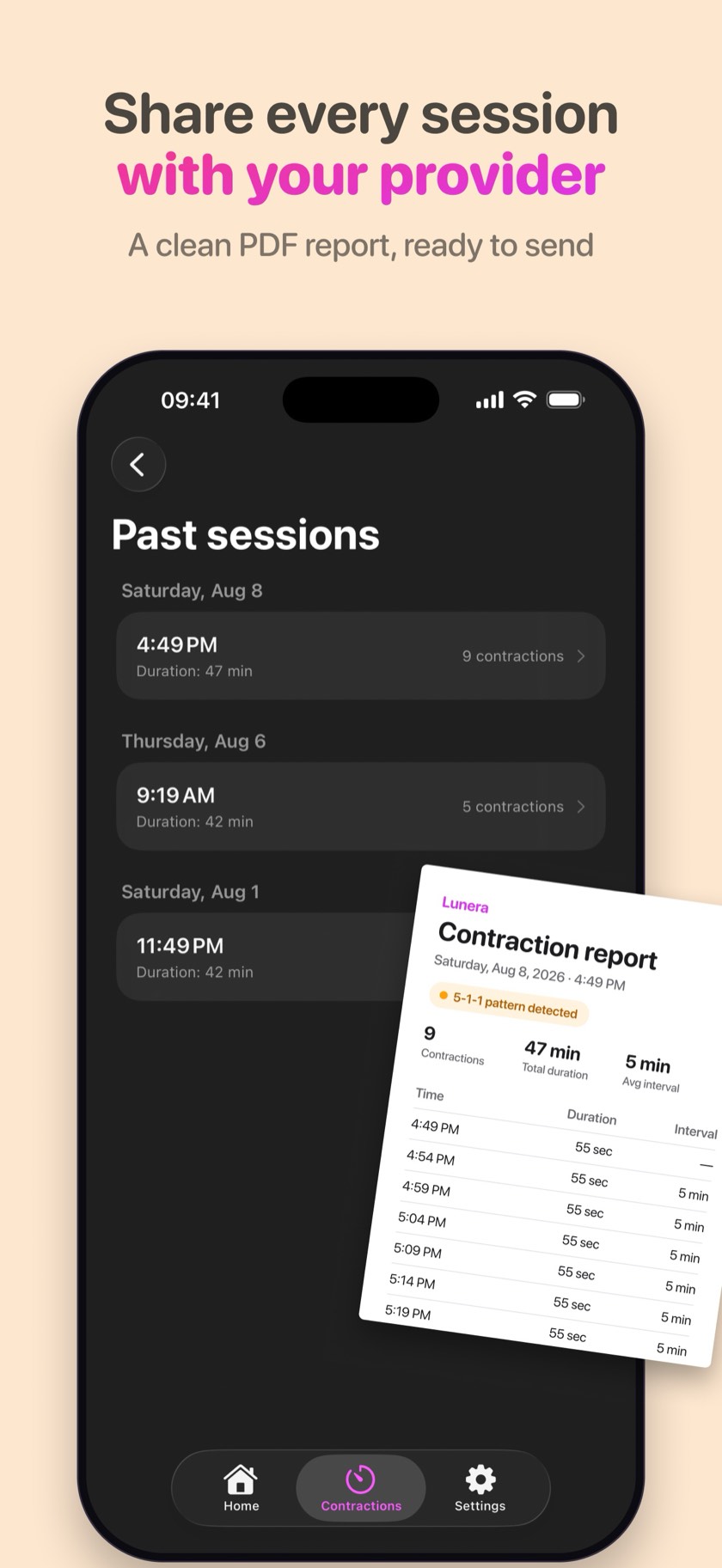
- No shared account with a partner. Partner access normally requires a server holding both of your identities — exactly the thing being avoided. Sharing a week card or a contraction PDF works; a live shared view does not.
- Backup is your responsibility. If you lose the phone with no iCloud backup and no sync, the history is gone. This is the direct cost of nobody else holding a copy.
For a pregnancy tracker, most people find that trade acceptable. For a shared family calendar, they would not. It is worth being clear about which one you are shopping for.
Lunera is private by architecture, not by promise
Lunera was built local-first from the first commit:
- All data stays on your device — your dates, weeks, and contraction history never touch a company server
- No account, ever — no email, no name, no sign-up screen; you are using the app ten seconds after opening it
- No tracking, no analytics, no ads — nothing is measuring you
- Optional iCloud sync (PRO) uses your own private iCloud, inside your Apple account
- On-device AI insights with Apple Intelligence — nothing is sent to the cloud
It is paid for the honest way: the app is free with a one-time PRO purchase, so your data is never the product.
Quick answers
What makes a pregnancy tracker private?
Architecture, not policy. A private tracker stores your data on your own device, requires no account, and contains no advertising or analytics SDKs. If there is no server copy, there is nothing to breach, sell, or hand over.
How do I check a pregnancy app's privacy before installing it?
Open its App Store listing and read the App Privacy section. "Data Not Collected" is the strongest signal; "Data Used to Track You" means data is shared with third parties for advertising. Then check whether the app forces you to create an account.
Can anyone else see my Lunera data?
No. Data is stored locally on your iPhone. If you enable PRO's iCloud sync, it syncs through your own private iCloud account — the developer has no server and no access.
Does a private tracker mean fewer features?
Not with modern iOS. Widgets, Live Activities, Siri, notifications, and even AI insights all run on-device. What you give up is a web dashboard, a shared partner account, and a large community forum.
What happens to my data if I delete the app?
With a local-only tracker, deleting the app deletes the data with it, because the data only ever existed on your device. That is the point — but do not delete it expecting to reinstall and find your history, unless it was backed up through your own iCloud.
Is iCloud sync less private than local-only storage?
It moves a copy into your own Apple account rather than a developer's database, and the developer still cannot read it. For the strictest possible setup, leave sync off and the data never leaves the device.
Track your pregnancy with Lunera
Week-by-week baby development, due date countdown, widgets, and a one-tap contraction timer — free, private, and subscription-free on iPhone.
This guide is for informational and educational purposes only and is not medical advice. Lunera is not a medical device. Always consult your doctor, midwife, or healthcare provider with any questions about your pregnancy or labor.